¶ How to Join your Hytale Server
Joining your Hytale server is a bit different than games you are used to for the time being. Here's all you need to know.
¶ Steps:
1. Wait for your server authorization link.
2. Once the link appears, the page will refresh.
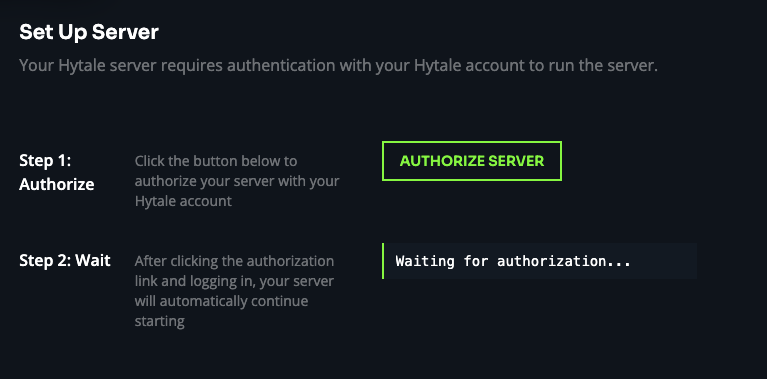
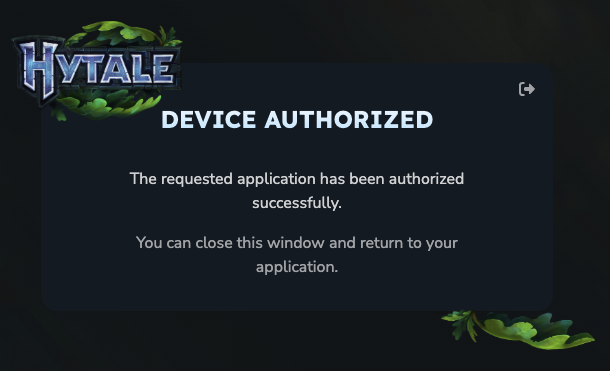
3. Click the link and you will be redirected to Hytale's website. Login and approve the device.
4. Open the game and go to Servers.

5. In the bottom right, click Direct Connect

6. Enter the server IP and port
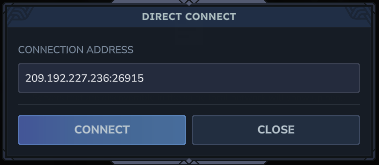
9. Click connect and you will join your server.
These steps may be subject to change as we and Hytale polish our systems.