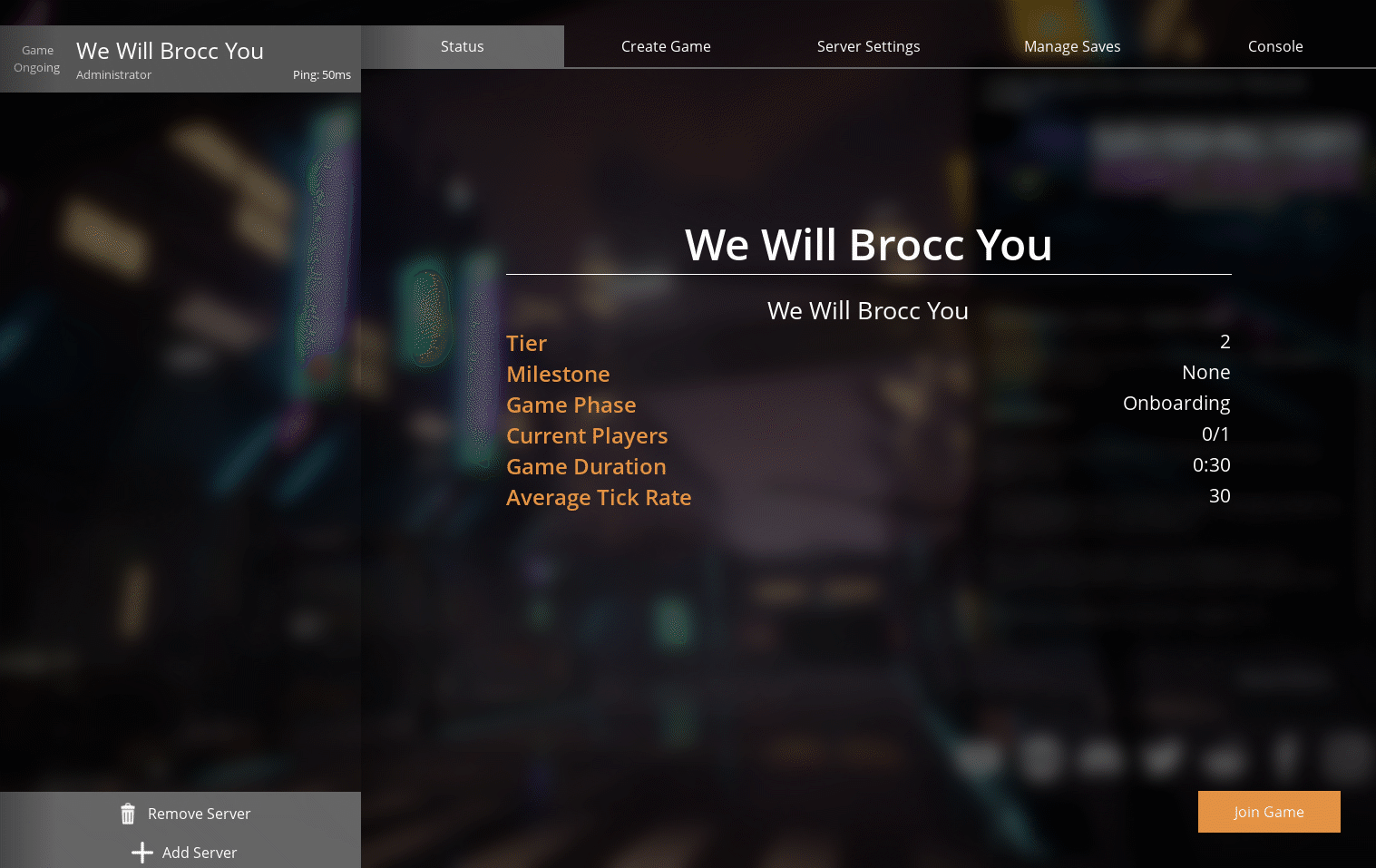
¶ Satisfactory: How to Join a Server
Satisfactory requires a few steps to be completed bfore you can jump into the game. This guide will walk you through adding your server in the Server Manager, setting an admin password, and creating a new game.
¶ Step 1: Claim Your Server
1. Open Satisfactory
2. Click on Server Manager
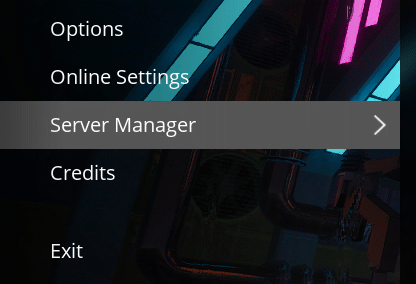
3. Click on Add Server

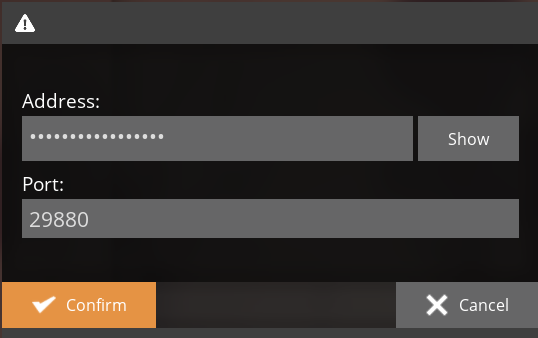
4. Enter your server's IP address and port.
5. Enter a name for your server.
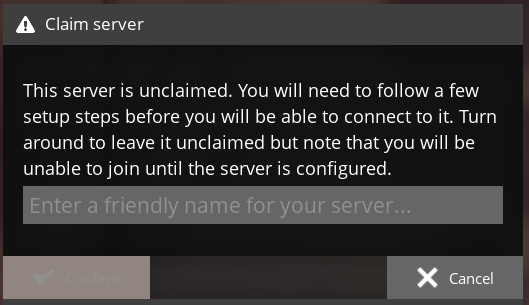
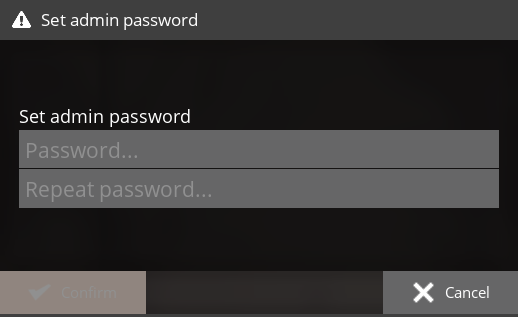
6. Set an Admin Password.
¶ Step 2: Create a Game
NOTE: If you want to continue playing on an existing world, you can check out our guide here
1. Use the Create Game tab to set up a new world

2. Once the server has finished creating the game, click Join Game.