¶ 7 Days to Die: How to Join Your Server
There are two ways to join your server: directly via IP and Port or through the server browser.
¶ Step 1: Launch 7 Days to Die
Launch the game and click on the Join a Game button on the main menu.
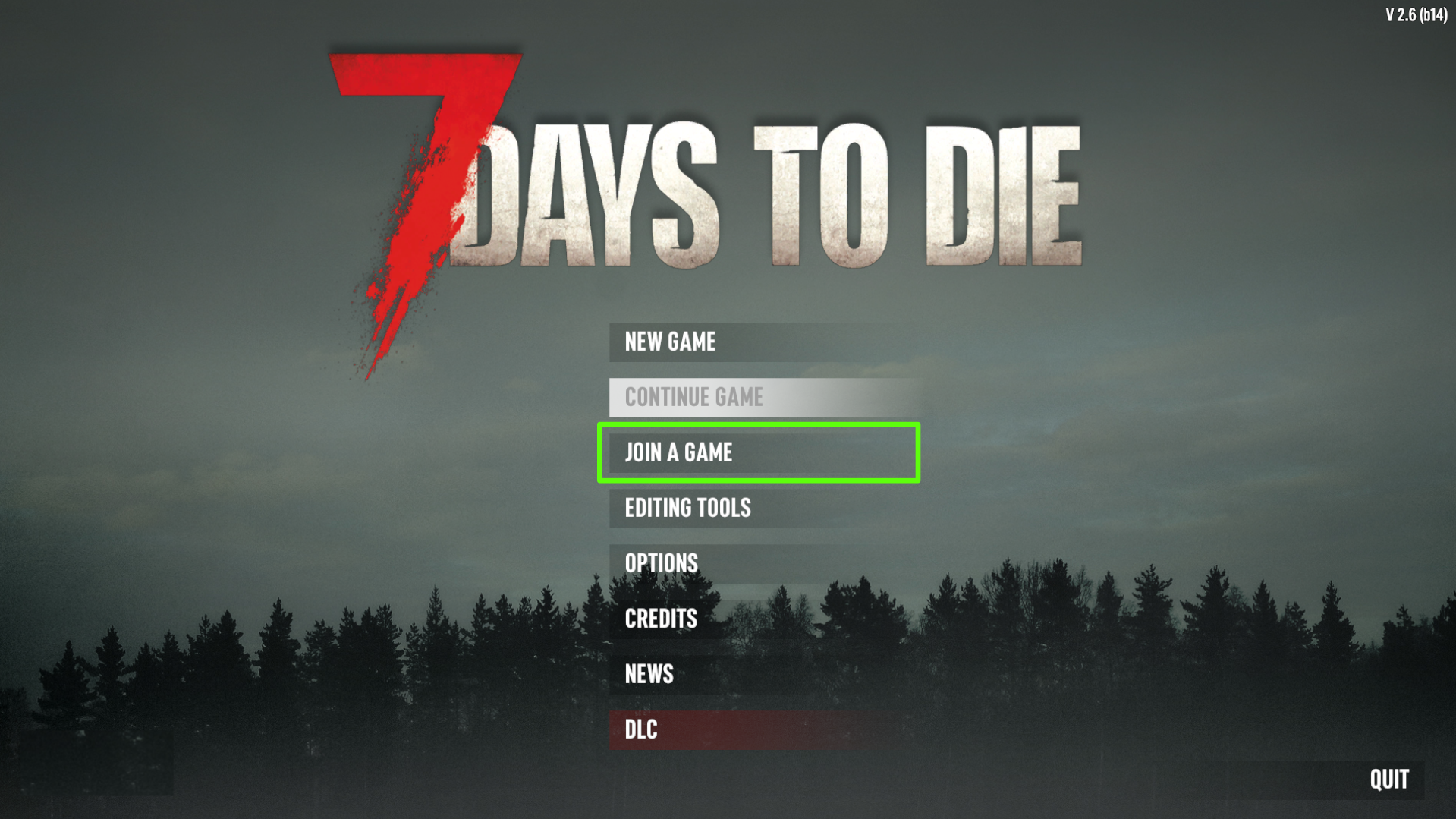
You can then use one of the following methods:
¶ Method 1: Join via IP and Port
¶ Step 1: Join via Connect to IP
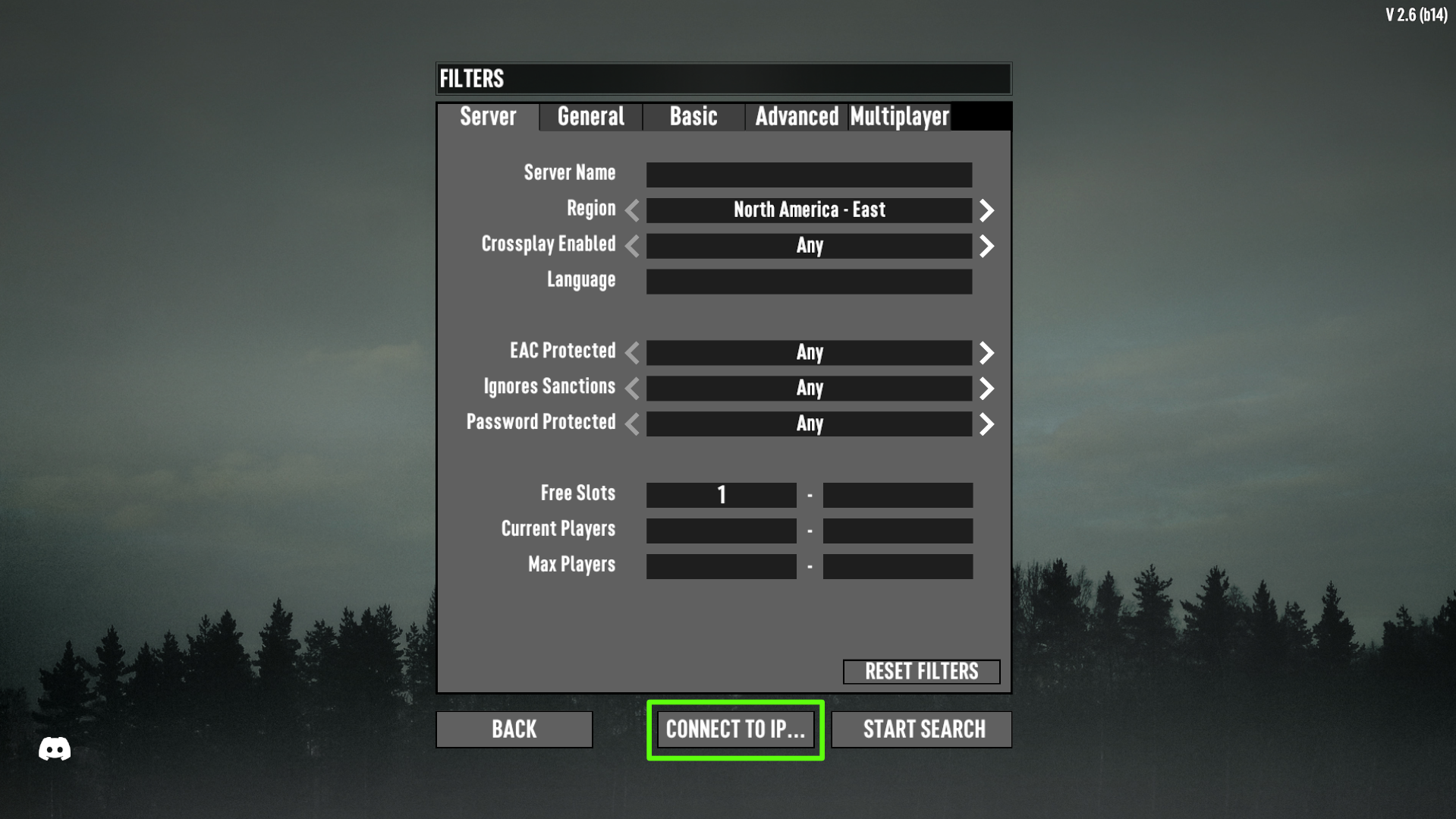
Press the Connect to IP button underneath the filter search.
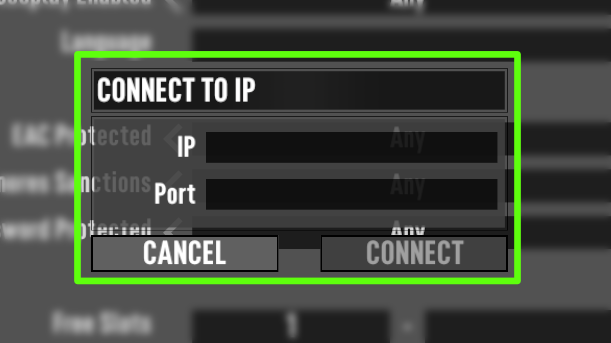
¶ Step 2: Input the IP and Port
You can find the IP and Port for your server on the Server Management tab on your server dashboard. Then, press Connect.
¶ Method 2: Join via Server Browser
¶ Step 1: Search for your server
You can use the search boxes provided to filter through servers to find the one you're looking for easily. Once you've added your search filters click the Start Search button as shown below.
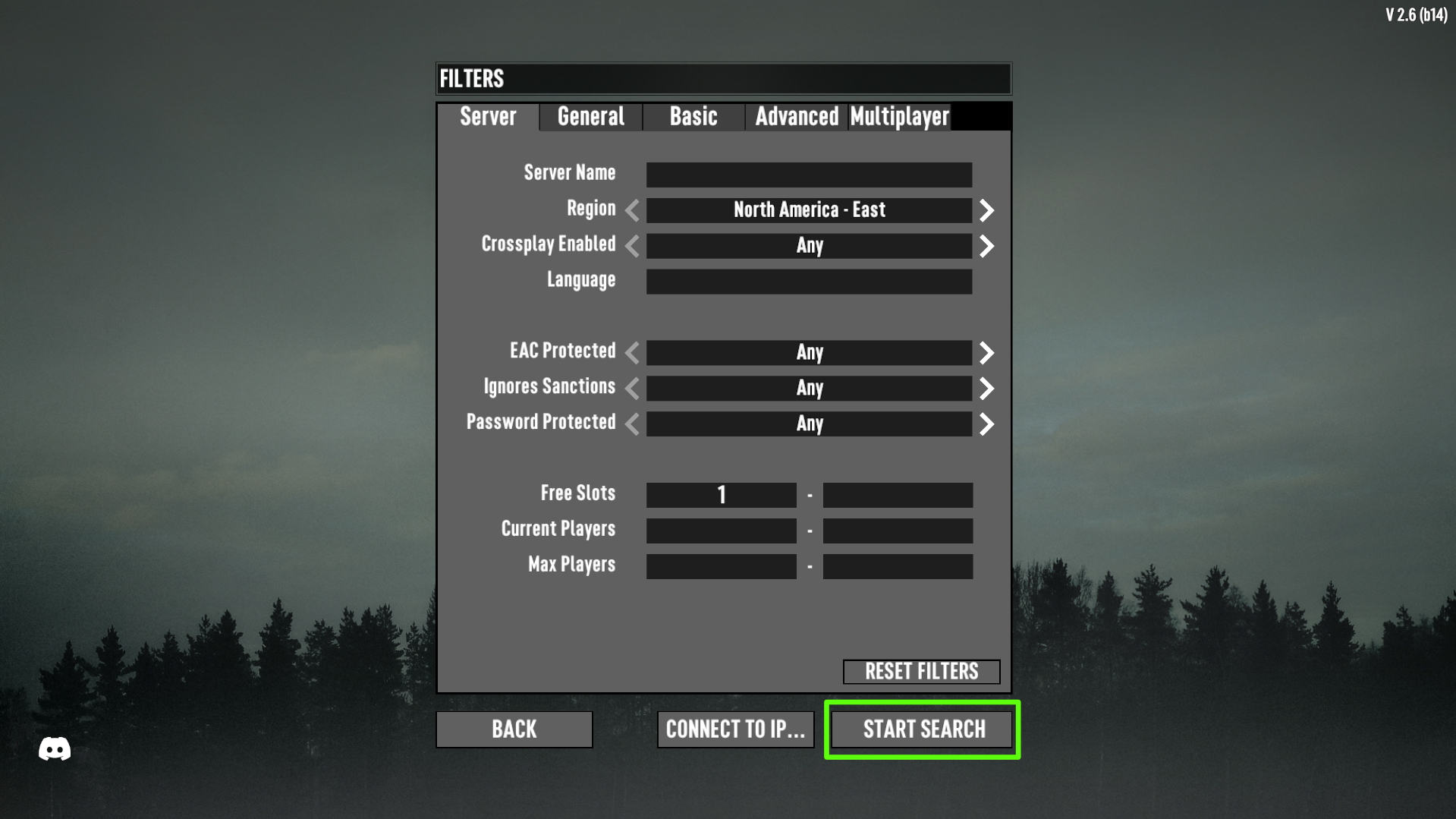
Note: If your server is set to public, this is where other players can find it also.
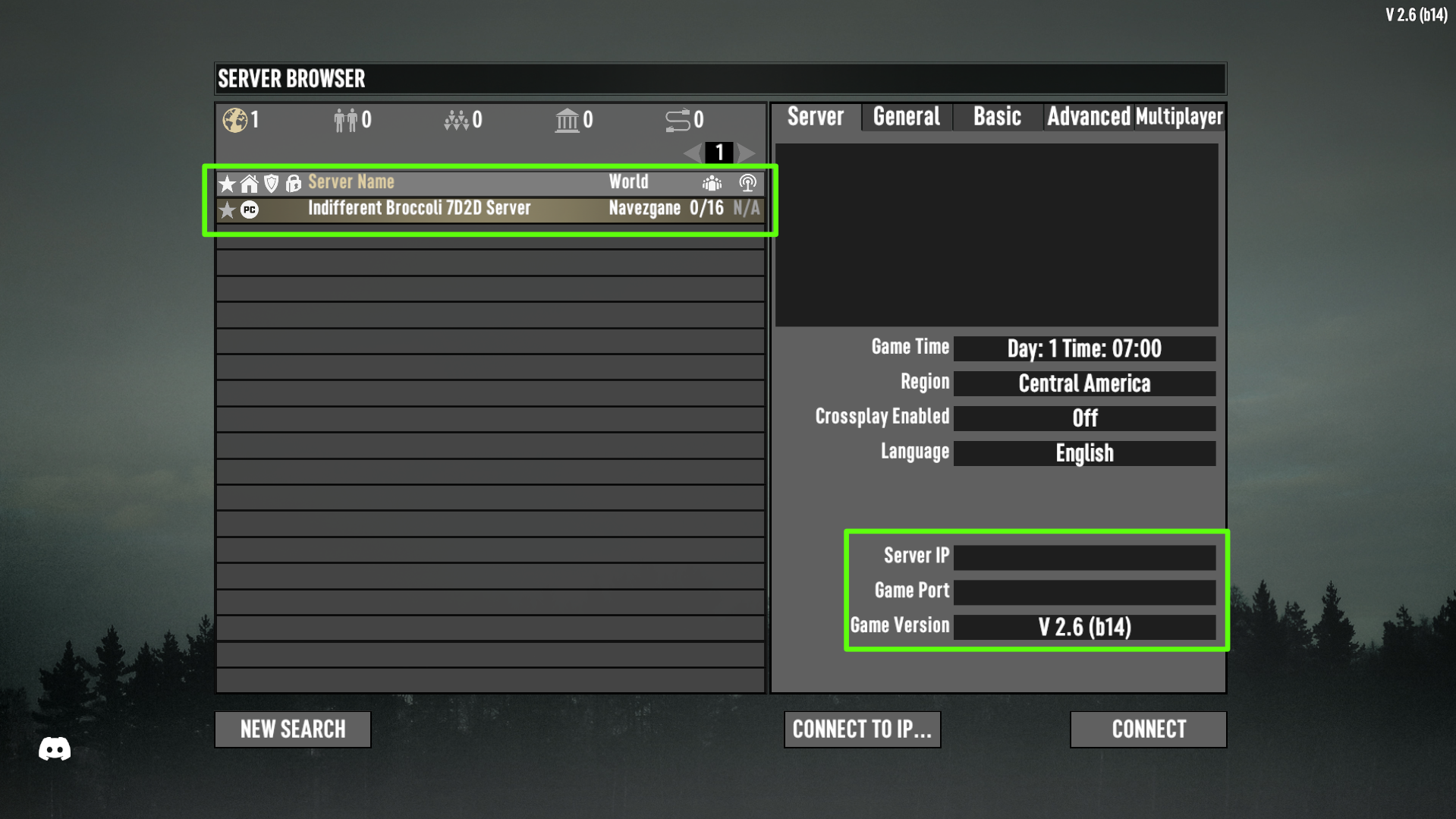
¶ Step 2: Connect to your server
You can confirm the server you've clicked on is correct by checking the Server IP and Port provided. Then, simply click the Connect button.
¶ You're In!
Once connected you will be in your 7 Days to Die server and ready to play.