¶ 7 Days to Die: How to update your server
When the game updates your server can get out of date and you'll need to manually install the update on your server in order to connect again.
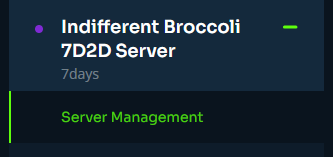
¶ Step 1: Server Management
Navigate to the Server Management tab on your indifferentbroccoli dashboard.
¶ Step 2: Update Server
At the top of this tab there will be an Update button. This will install the newest stable verison of 7 Days to Die onto the server.

Alternatively, you can use the Update to (Latest_Experimental) button to install the latest experimental version instead.

¶ You're all set!
Once the update has finished installing, your server is now on the most recent version of 7 Days to Die.