¶ Runescape Dragonwilds: How to Join your Server
¶ Step 1: Entering Online Mode
1. On the main menu, select the Play option
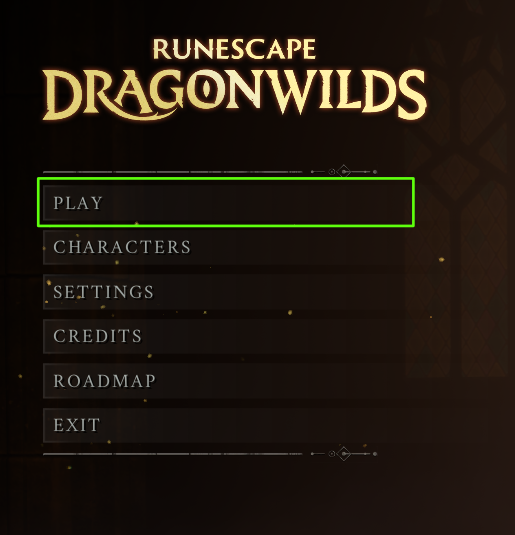
2. Select Online from the options given
¶ Method 1: Direct Connect:
¶ Step 1: Add Connection Details
1. Select Direct From the server browser

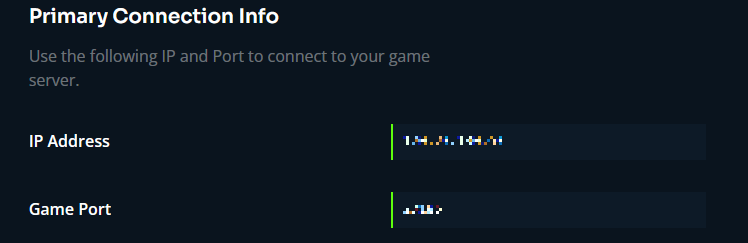
2. Input the IP & Port of your server, shown on your Indifferent Broccoli dashboard
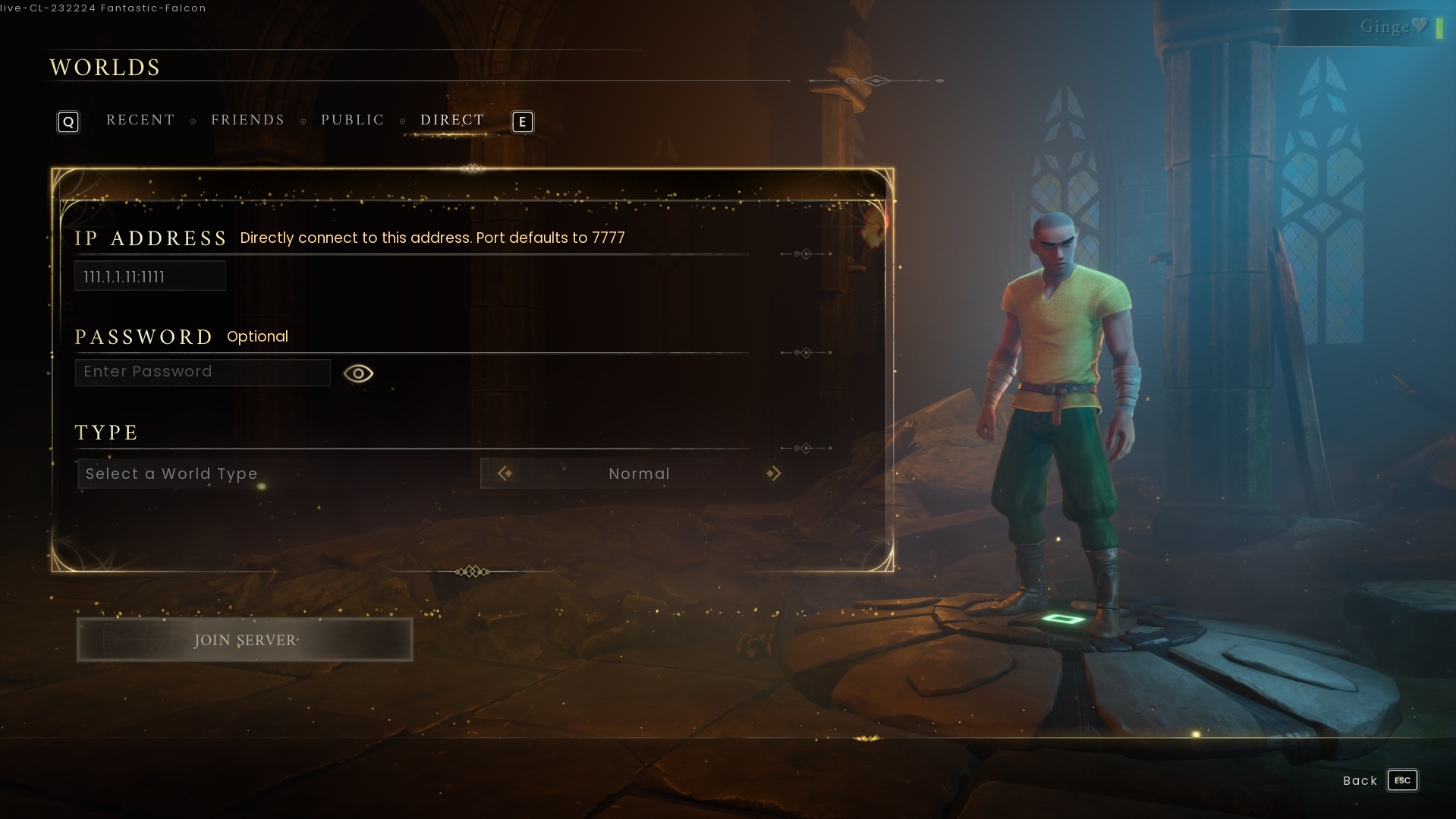
3. Press Join Server
¶ Step 2: Create/Select your character
1. After you join your server, you can create the character you'd like to use on your server or choose one you already have.
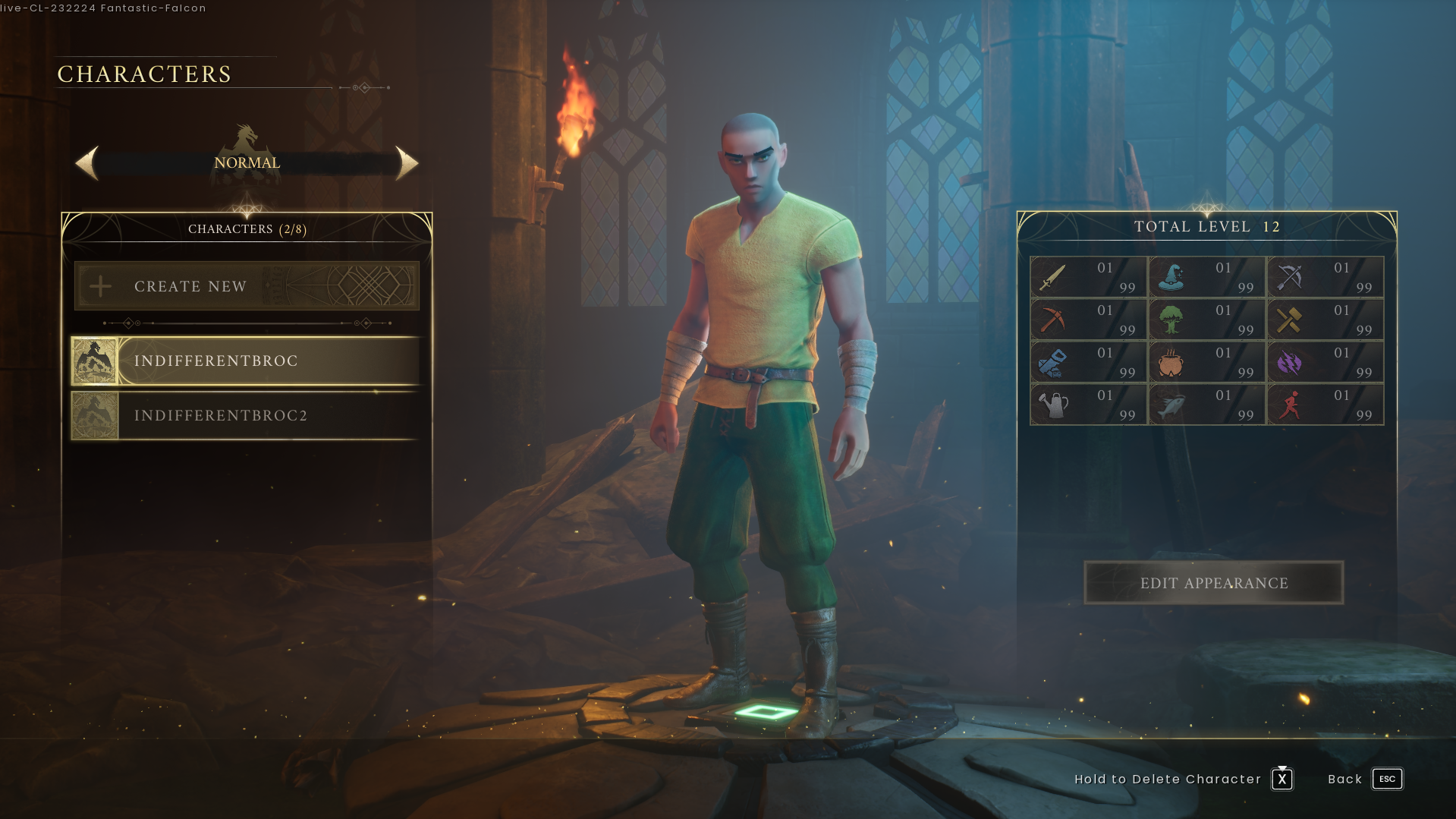
NOTE: You will only be able to use characters that have been made for that World Type. You cannot use a character created in
NormalforCreative, and vice versa.
3. Press Escape to return to the main menu.
¶ Method 2: Join via Server Name
¶ Step 1: Find your Server
1. Select Public from the server browser

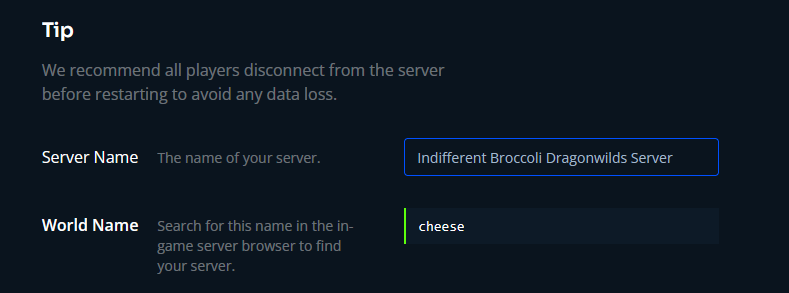
2. Search your World Name as it is spelled on your Indifferent Broccoli dashboard
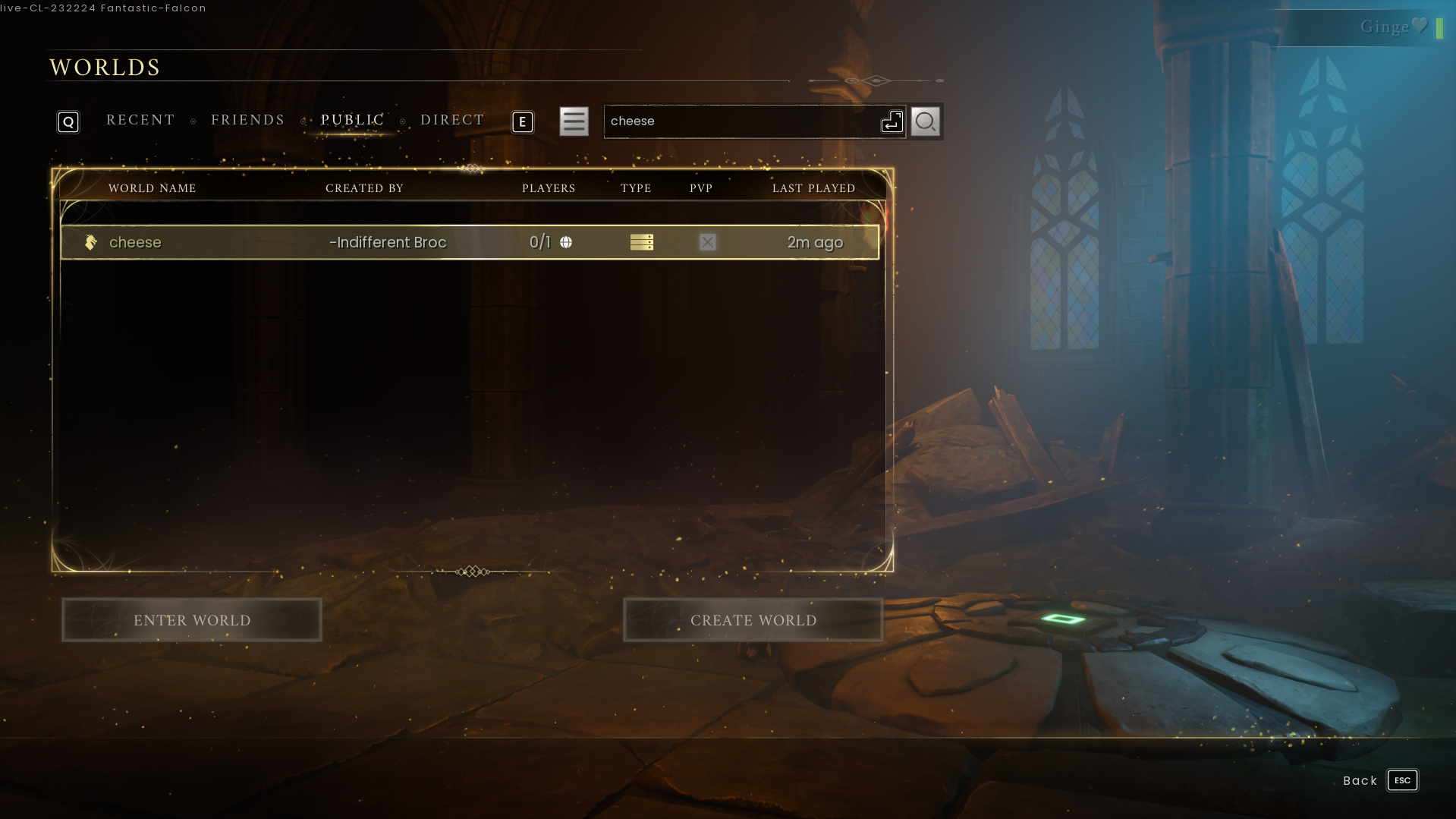
3. Select your world from the list and press Enter World
¶ Step 2: Create/Select your character
1. After you join your server, you can create the character you'd like to use on your server or choose one you already have.
NOTE: You will only be able to use characters that have been made for that World Type. You cannot use a character created in
NormalforCreative, and vice versa.
3. Press Escape to return to the main menu.