¶ Minecraft: How to Join your Server
Whether you've just started your own server or you're joining a friend's, our guide can show you how to get started for both Java and Bedrock editions.
¶ Method 1: Minecraft Java
1. Launch Minecraft
2. Click Multiplayer

3. Click Add Server

4. Enter a name and your server's IP and Port.

5. You can now click to join your server.

¶ Method 2: Minecraft Bedrock
1. Launch Minecraft
2. Click Play
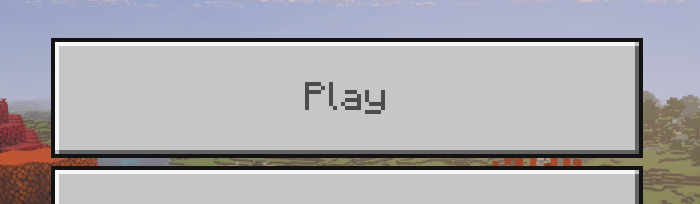
3. Select the Servers Tab

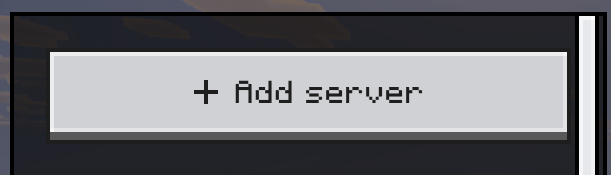
4. Click Add Server
5. Enter a server name of your choice and the IP & Port for your server. For indifferent broccoli servers, this is found in the Server Management tab on your dashboard.
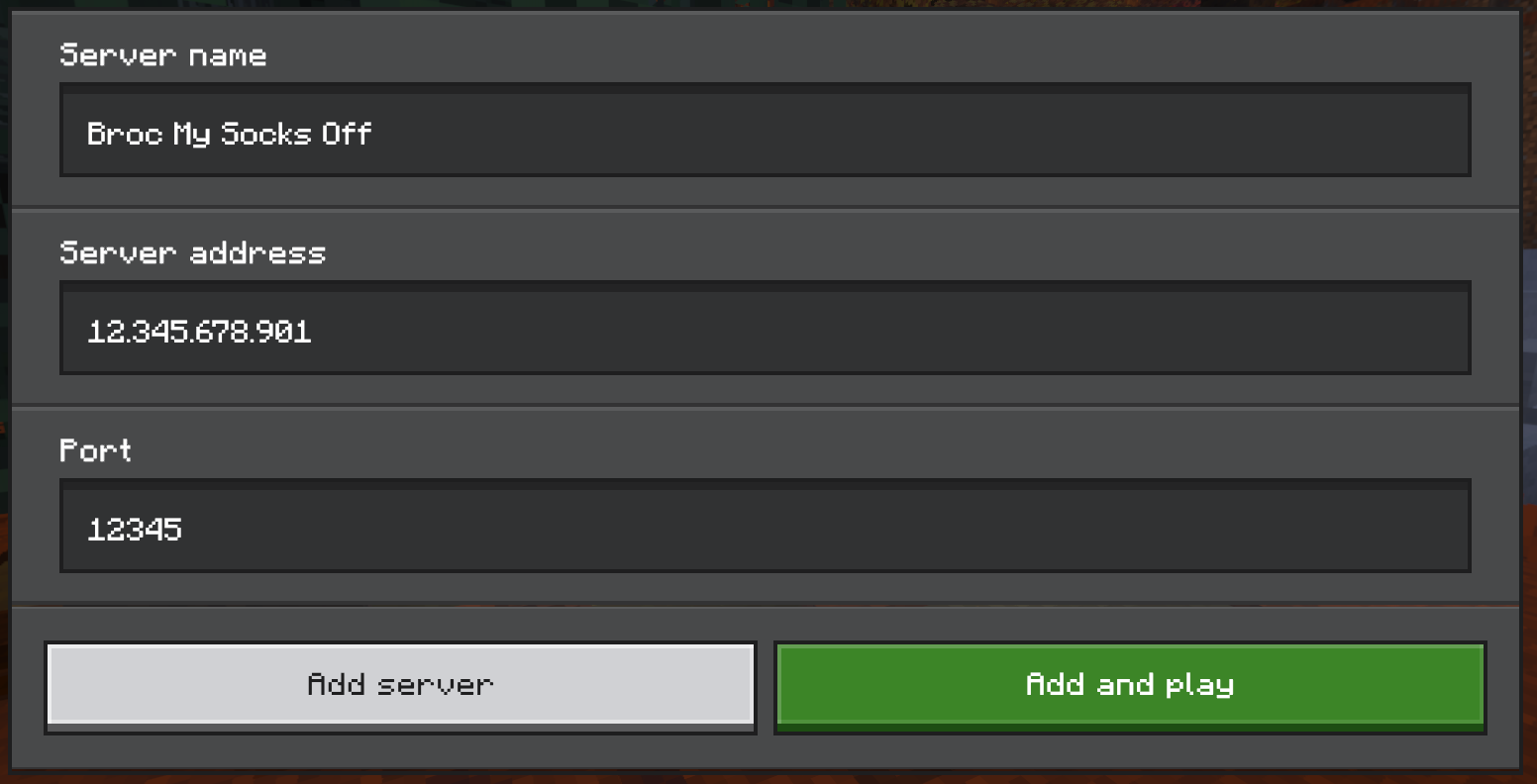
6. Select Add Server to add the server to your list, or Add and Play to jump straight in!