¶ [DEPRECATED] Project Zomboid: How to Join your Project Zomboid Build 42 Server
Build 42 stable is finally here, with a brand new server management menu to make it even easier to join your server and manage your characters. Here's what you need to know.
¶ Steps:
1. Set your Steam beta to unstable. You can do this by right click Project Zomboid in Steam, clicking Properties → Betas → Select the Unstable beta.
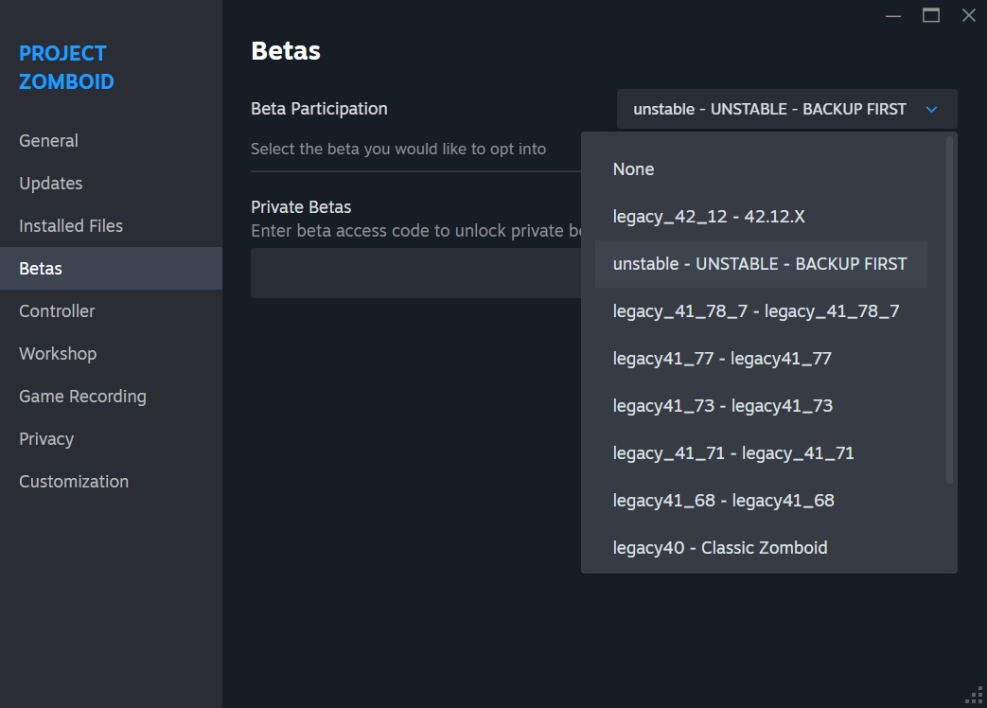
2. Once installed, launch the game and click Multiplayer
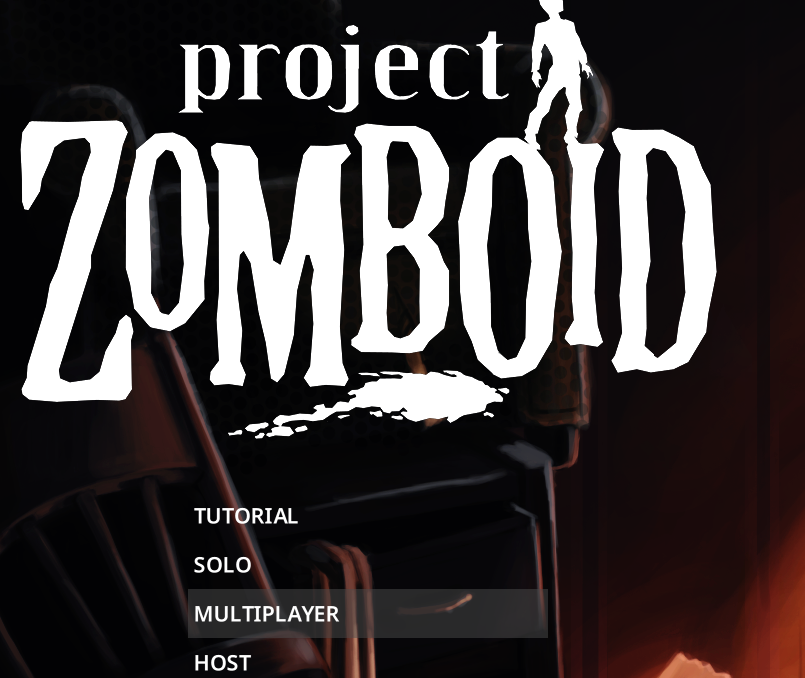
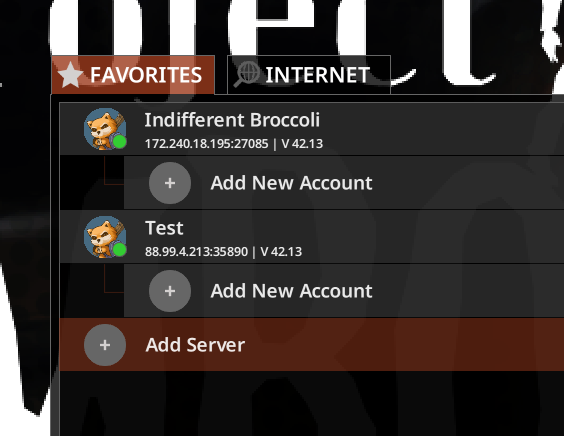
3. In the top right, select Add Server
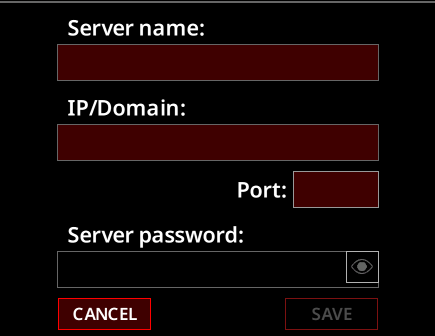
4. Enter your server's IP and port, as well as the password if applicable.
5. Now under the server, click Add New Account
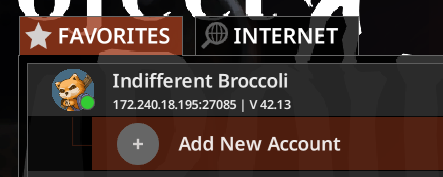
6. Create a username and password.
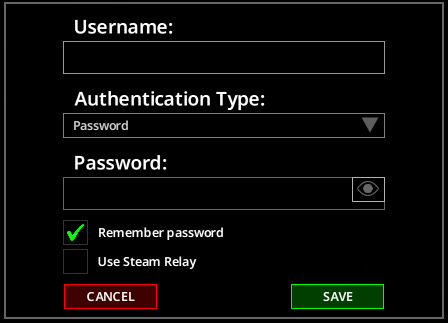
7. Click the green Connect button and you will join your server. Enjoy Build 42.
