¶ How to Remove Mods on your Project Zomboid Server
If you want to remove a broken mod or are just tired of a mod, you can remove them with these steps, as well as ensure it is fully removed from your server.
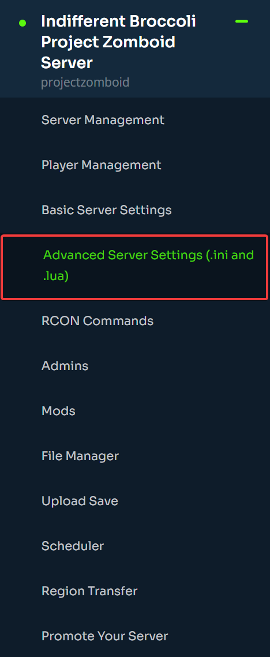
1. Open the Advanced Server Settings
2. Remove the Mod ID and Workshop ID for the mod.

3. Save the settings and restart the server, it should automatically remove the mod.
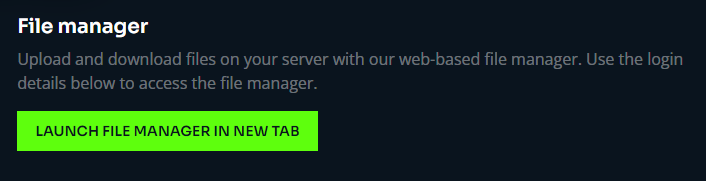
4. To ensure the mod is deleted, open the File Manager
5. Navigate to /server-files/steamapps/workshop/content/108600/
6. Check and if needed remove the corresponding workshop ID folder.
