¶ Satisfactory: How to Reset the Admin Password
¶ Method 1: In Game
1. Open the Satisfactory Server Manager
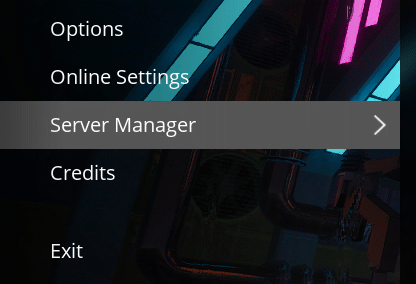
2. Click the Server Settings tab

3. On the line that says Admin Password , select Change Password

4. Input the new password you would like to use
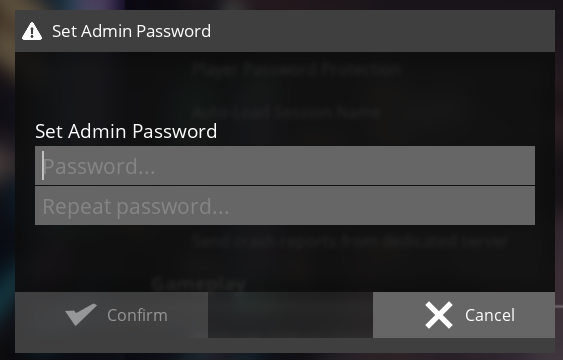
All done! Now your new admin password will work for any changes that need to be authorised.
¶ Method 2: Manually
NOTE: We only recommend using this in emergencies, when you physically have no other way to access the server. This will delete the admin password as well as some other minor setting changes.
1. Open the File Manager
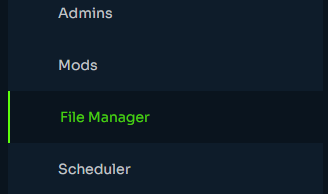
2. Navigate to /.config/Epic/FactoryGame/Saved/SaveGames/
3. Delete the file called ServerSettings.XXXXX (XXXXX will be your server's port)
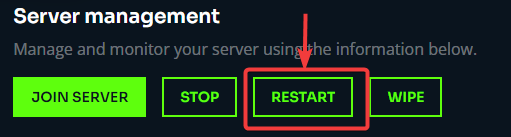
4. Restart the Server
5. You will be prompted to set a password when you next connect to the server.