¶ Satisfactory: How to Toggle Auto Pause
By default, Satisfactory servers will pause the game when there are no players connected. This means that conveyor belts and all resource production will pause. If you would rather have it so that these continue while players are offline so you can come back to plenty of resources, you can use these simple in game steps to disable autopause.
¶ Steps:
1. Open Satisfactory and select the Server Manager
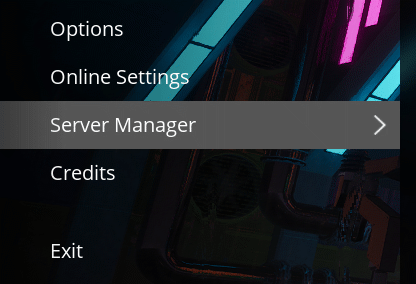
2. Click your server, then select the Server Settings tab

3. Find the Auto Pause setting and toggle it on/off with the checkbox

4. Click Apply. to save your changes. Your factory will now continue to produce resources even when you're offline