¶ Satisfactory: How to Load a Save
If your IP changes from a transfer or you want to load a previous autosave, you can do so from the in game save manager. Here are the steps to load your save.
¶ Steps
1. Open Satisfactory and select your server under the Server Manager
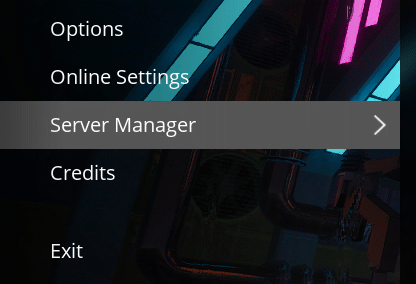
2. Click Manage Saves, then Load Save

3. Select the save you wish to load, and then press Load Game
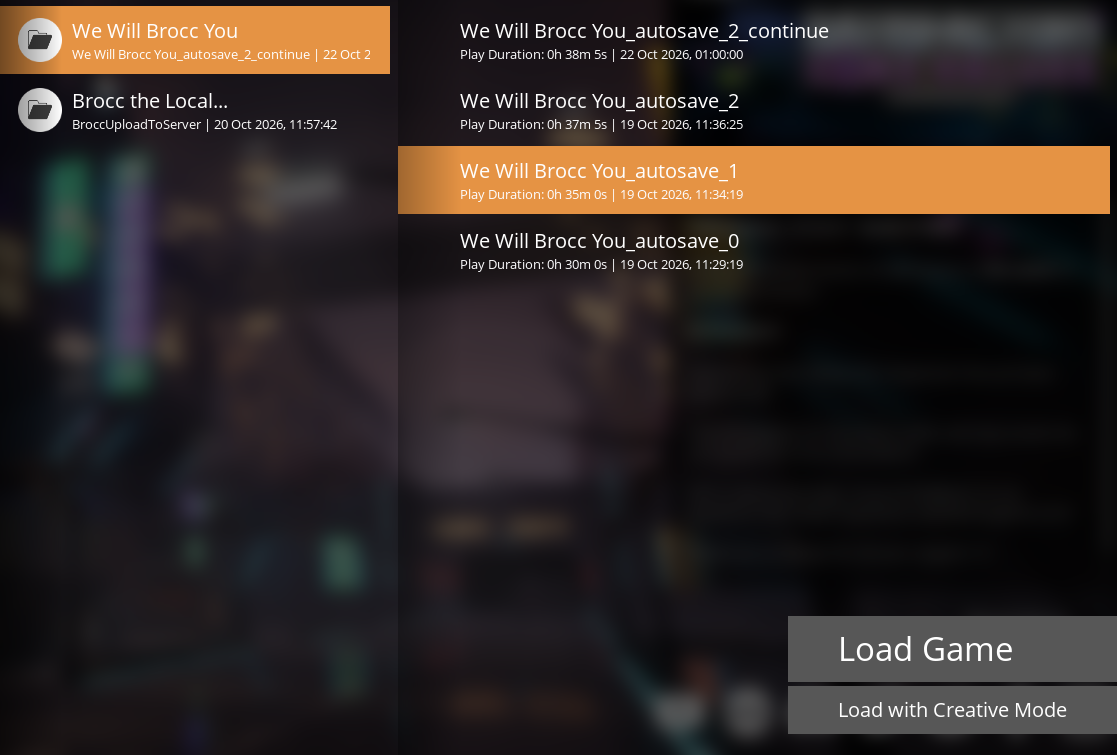
4. All done! Your server should load your selected save, allowing you continue where you left off.