¶ How to Join your Star Rupture Server
Note: Skip to Step 6 if you are unable to connect to the Manage Server screen. The options are now configured via your Indifferent Broccoli control panel.
¶ Steps:
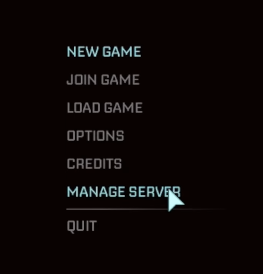
1. From the main menu, click Manage Server
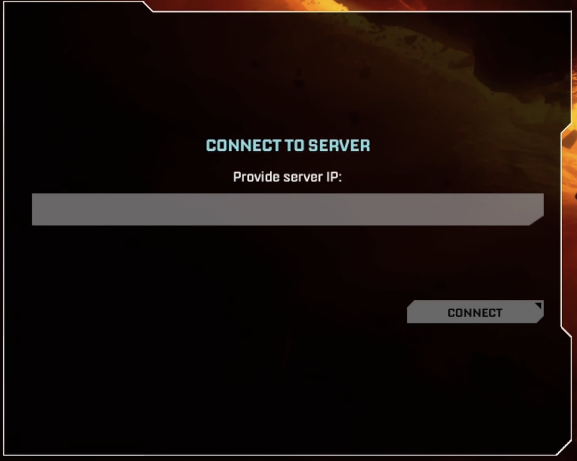
2. Enter your server's IP followed by the port.
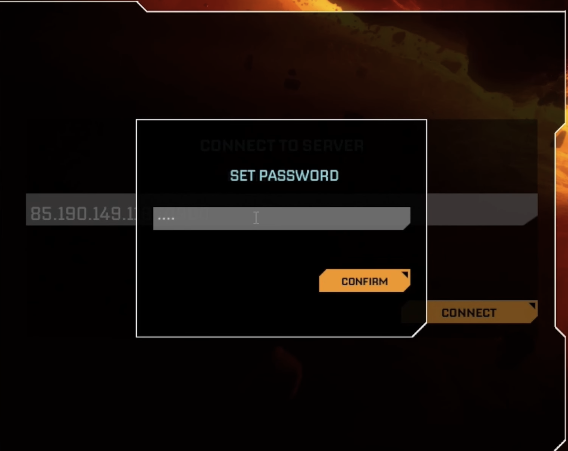
3. Click Connect and set a password. Players will use this to join. You can opt to have no password.
4. Click New Game, create a Session Name and click Start Game
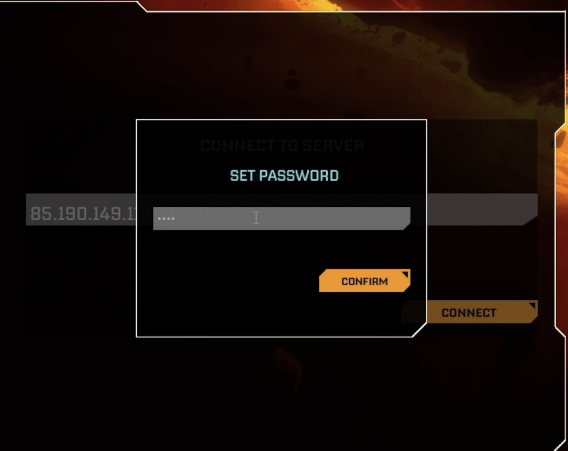
5. You should now see a message that says Session Running.
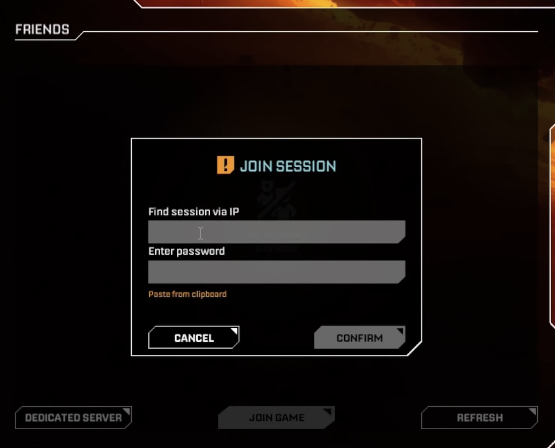
6. Go back to the main menu and click Join Game → Dedicated Server
7. Enter the server IP followed by the port, as well as the password if applicable.
To change your password and manage your server, you can go back to Manage Servers and enter the server IP and port.