¶ Valheim: How to Join your Server
Joining a Valheim server on PC just takes the game open and your server's IP and port on hand. This covers the direct-connect method.
Note: This method is for direct IP connections on Steam. Console and Game Pass players connect differently, using a join code instead of an IP. See Is Valheim 1.0 Crossplay? for that method.
¶ Step 1: Add your server
From the Valheim main menu, open the server join screen.
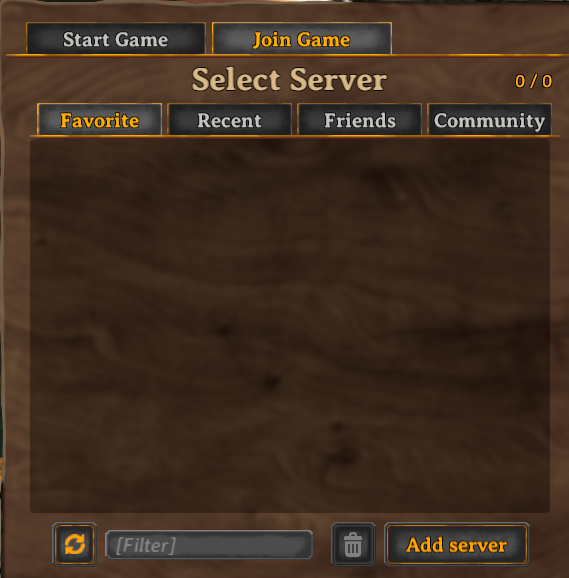
1. Click Add Server.
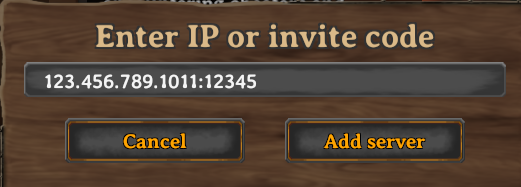
2. Enter your server's IP address and port, then confirm.
Your server's information is saved in Valheim after this, you won't need to re-enter it, it'll show up in your server list from now on.
¶ Step 2: Join the server
1. Select your server from the list and click Join.
Once connected, you'll load into the world with everyone else already on the server. Setting up crossplay for non-PC players first? See How to Enable Crossplay.