¶ How to Set Up a Whitelist on your Valheim server
If you only want certain players to be able to join your server, you can set up a server whitelist which won't let any players in unless you have specified on your permitted list. Here's how to set one up.
NOTE: Make sure to get each player's Steam ID so you can add them to the whitelist.
¶ Steps:
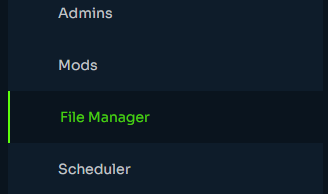
1. Open the File Manager
2. Navigate to /.config/unity3d/IronGate/Valheim/
3. Right click permittedlist.txt and click Edit
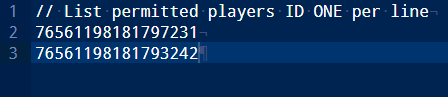
4. Add each Steam ID, one per line.
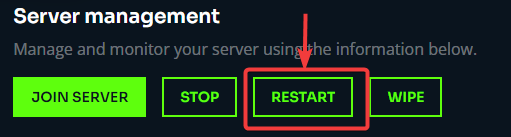
5. Save the file and Restart the server.