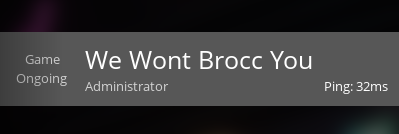
¶ Satisfactory: How to Change the Server Name
Called your Satisfactory server something boring, only to come up with an awesome pun days later? The Satisfactory Server Manager makes it easy to change your server name. Here's how to do it so you can have the coolest name in FICSIT history!
If you'd like to see a full list of server settings, you can check out our guide here
¶ Step 1: Find the Settings
1. Open Satisfactory and select the Server Manager
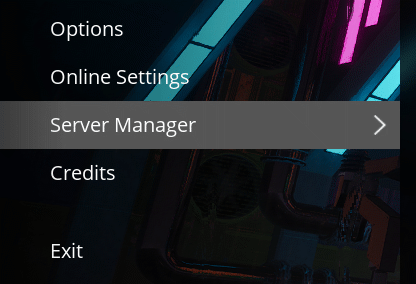
2. Navigate to the Server Settings tab

¶ Step 2: Change your Server Name
1. Click the Change Server Name button. A popup will appear for you to choose your new server name.

2. From here you can change the server name to whatever you would like.
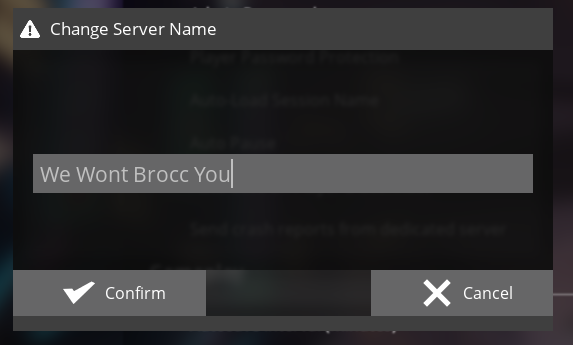
3. Your new server name should now appear on the server list