¶ Satisfactory: How to Configure Backups
Satisfactory keeps autosaves as files that can be used as backups, ready in case you need to restore a slightly older version of your save. You can adjust the autosave interval to make these files more or less frequently. By default, the server will store 3 of these autosaves as backups. This guide shows you how to increase this number so you have more backups available
NOTE: Always turn off your server before making changes to files
¶ Step 1: Find Your Engine.ini File
1. Open the File Manager
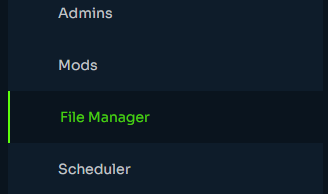
2. Navigate to /steamcmd/satisfactory/FactoryGame/Saved/Config/LinuxServer/
3. Double Click Engine.ini to open it
¶ Step 2: Change the Number of Autosaves
1. Add the following lines to Engine.ini, replacing xx with the number of backups you want stored:
[/Script/FactoryGame.FGSaveSession]
mNumRotatingAutosaves=xx
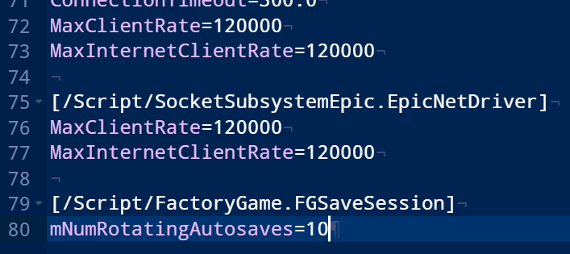
NOTE: If
[/Script/FactoryGame.FGSaveSession]already exists in your Engine.ini file, simply change the value inmNumRotatingAutosaves=rather than adding the setting again
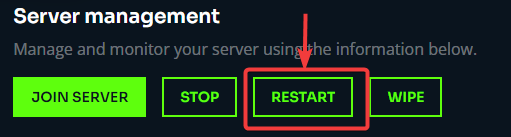
2. Restart the server
NOTE: Autosaves are stored in
/.config/Epic/FactoryGame/Saved/SaveGames/server/