¶ Satisfactory: How to Download your Save
If you want to make modifications to your Satisfactory save using something like the Satisfactory Calculator, you'll need to get your save off the server. You can do this through the in-game server manager, or through your indifferent broccoli dashboard.
¶ Method 1: In-Game
¶ Step 1: Find Your Saves
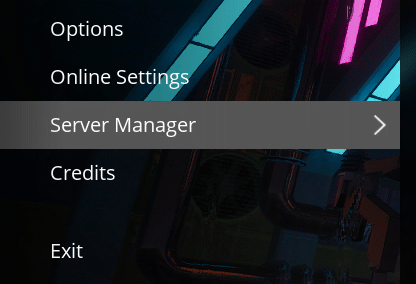
1. Open Satisfactory and select the Server Manager tab
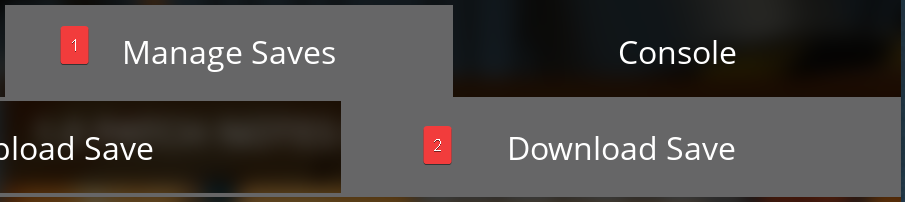
2. Click on Manage Saves, then Download Save
¶ Step 2: Download Your Save
1. Click on the save game you want to download, then click Download
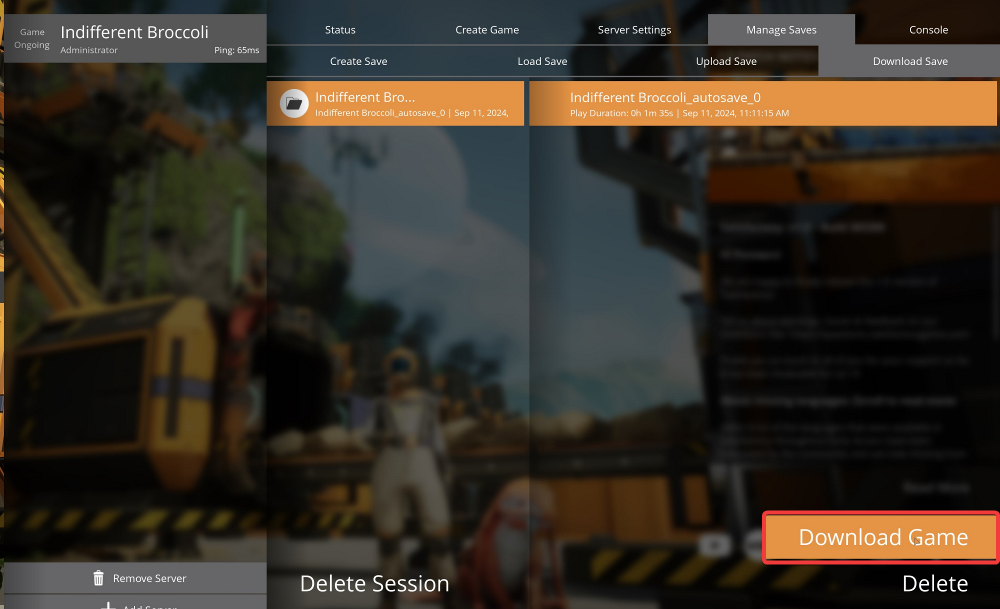
2. The newly downloaded save will now appear in your singleplayer saves.
NOTE: You can access the single-player saves on your PC in
%LOCALAPPDATA%/FactoryGame/Saved/SaveGames/YourSteamID/
¶ Step 3: All Done!
Once you've made any modifications to the save you wish to, you can follow our guide on how to upload your save to get the new modified version up and running on the server.
¶ Method 2: Using our File Manager
¶ Step 1: Locate the Files
1. Open your indifferent broccoli File Manager
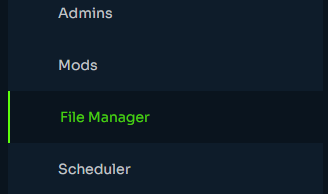
2. Navigate to /.config/Epic/FactoryGame/Saved/SaveGames/server

¶ Step 2: Download the File
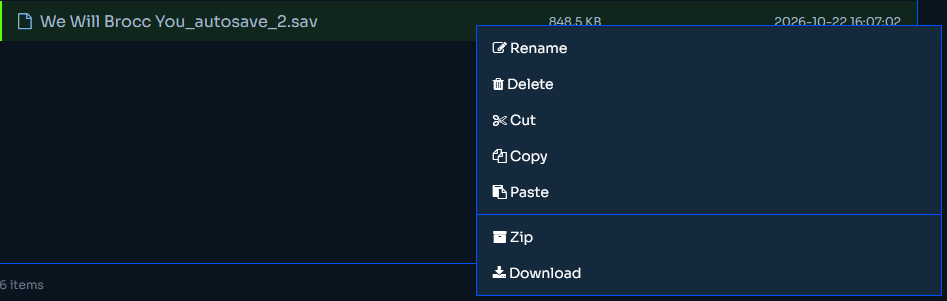
1. Right click the save you wish to download and select Download from the drop down menu.
NOTE: You can tell which autosave is the most recent by the timestamps on the files.