¶ Satisfactory: How to Restore a Backup
Need to recover an earlier version of your factory? We'll walk you through restoring a Satisfactory server backup using our control panel, the in-game server manager or our file manager. You can also check out our guide on configuring backups to make sure you're always prepared.
¶ Method 1: Via the Backups Tab
1. Navigate to the Backups tab on your dashboard

2. Select the backup you want to restore from the page

¶ Method 2: In Game
¶ Step 1: Find Your Backups
1. Open the Satisfactory Server Manager
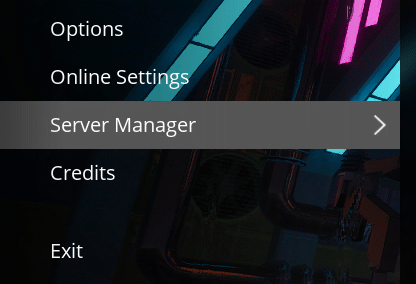
2. Open the Manage Saves tab and select Load Save

¶ Step 2: Restore Your Chosen Backup
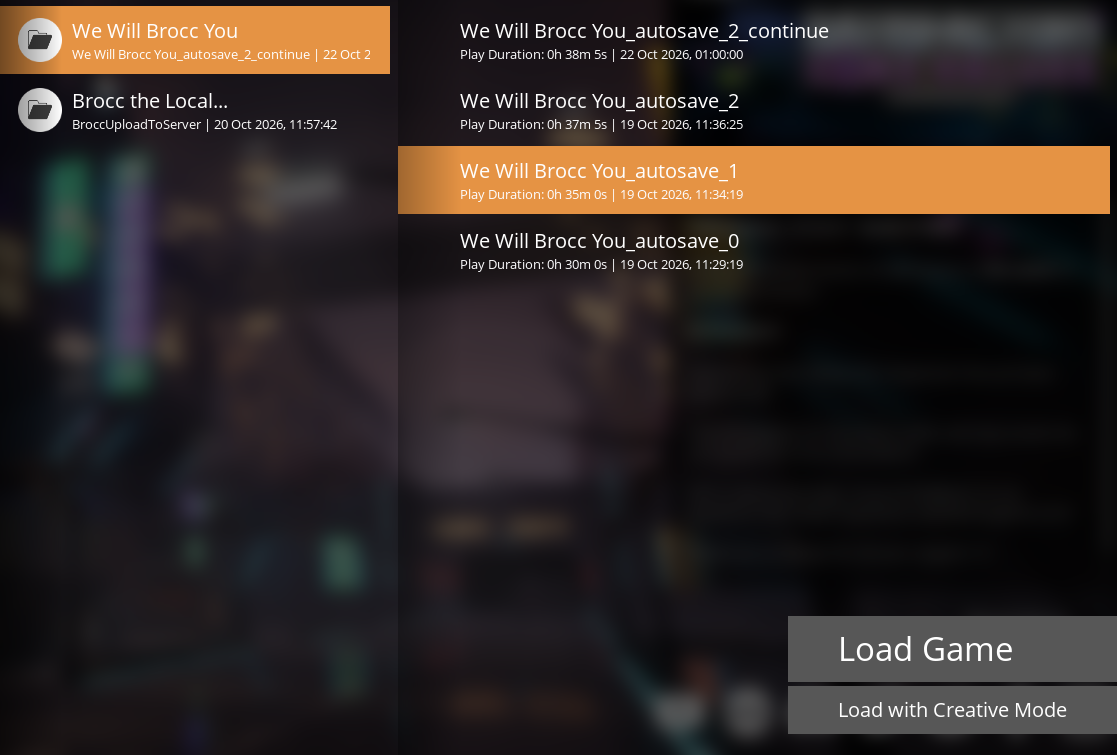
1. Select the Autosave you want to restore
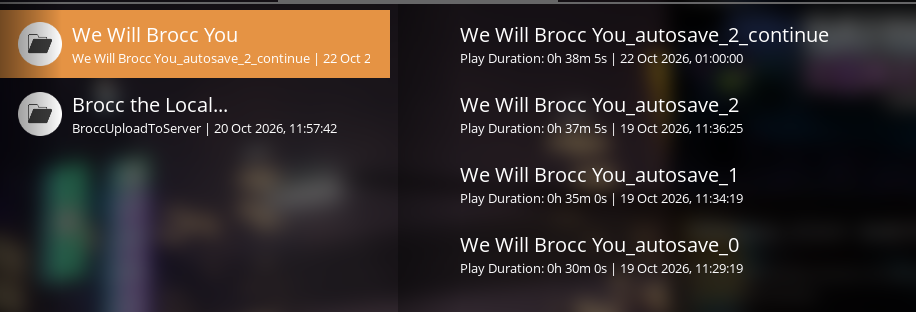
2. Press Load Game to load the selected backup
¶ Method 3: Via the File Manager
NOTE: We recommend stopping the server before making any changes to files.
1. Open the File Manager
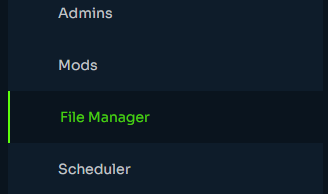
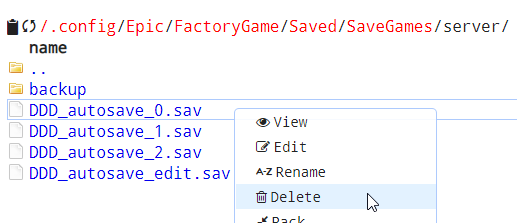
2. Navigate to /.config/Epic/FactoryGame/Saved/SaveGames/
3. Rename, Download or Delete the latest save file. This is named savename_autosave_0.sav
NOTE: We recommend renaming or downloading the save so that you have a backup, just incase.
4. Rename one of the previous autosaves to autosave_0
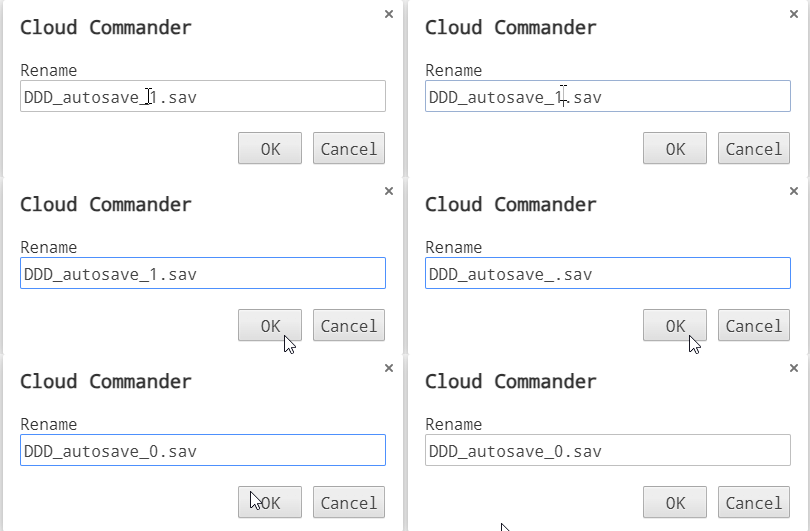
5. Restart the server and this save will now load.