¶ Runescape Dragonwilds: How to Customise your World Settings
¶ Step 1: Create World in Singleplayer
1. Select Play on the main menu, then Play Solo on the next page
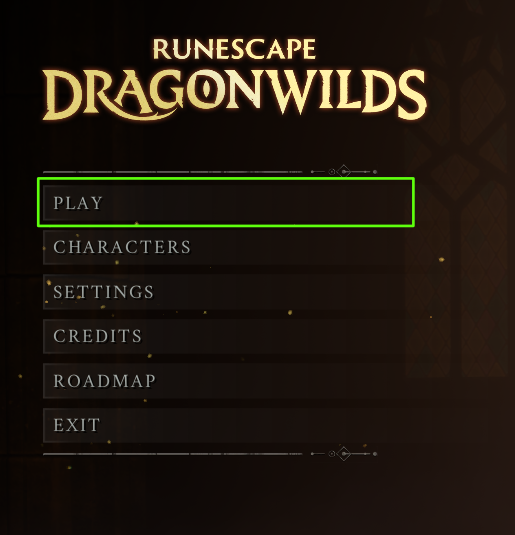
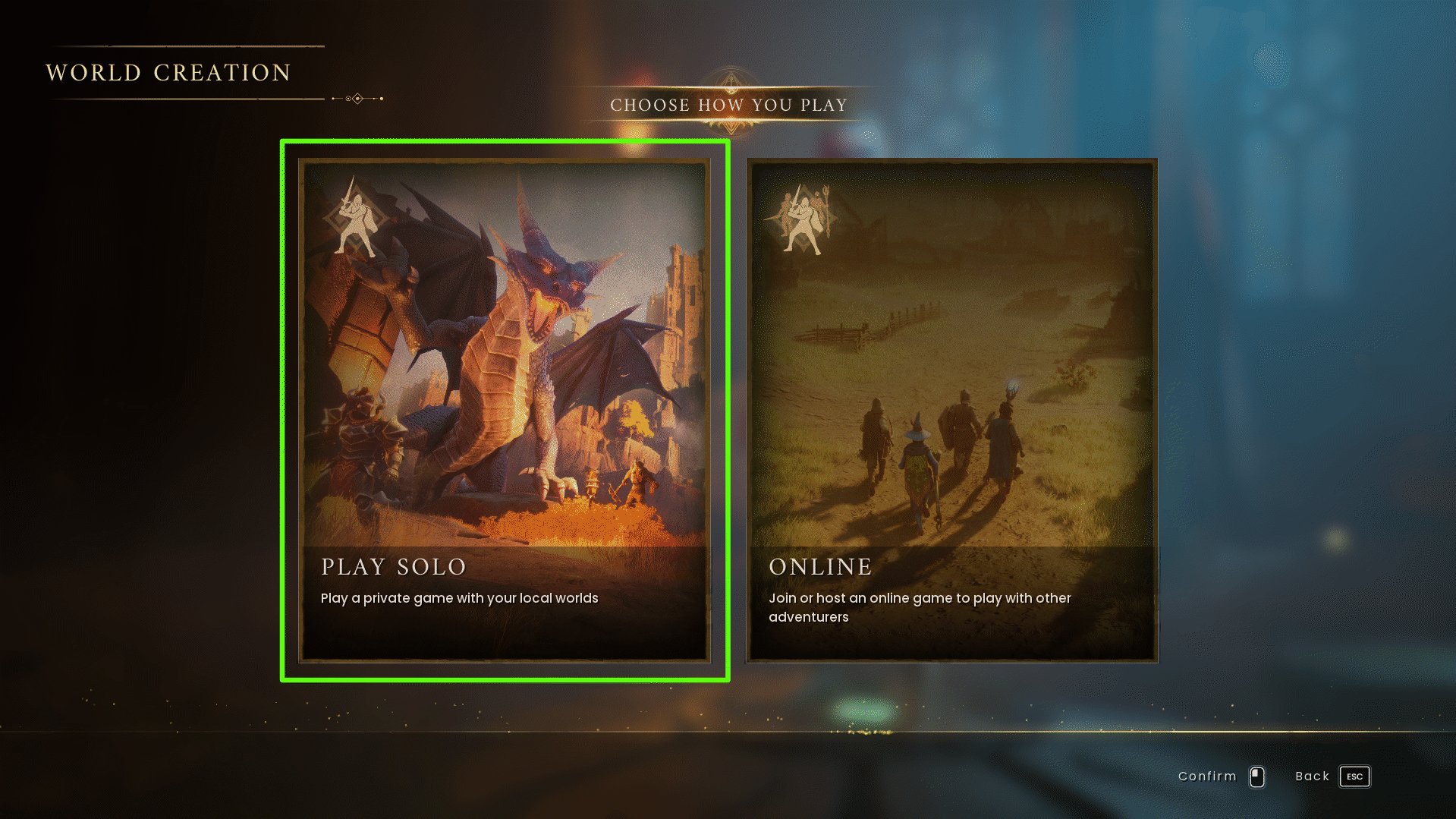
2. Press Create World
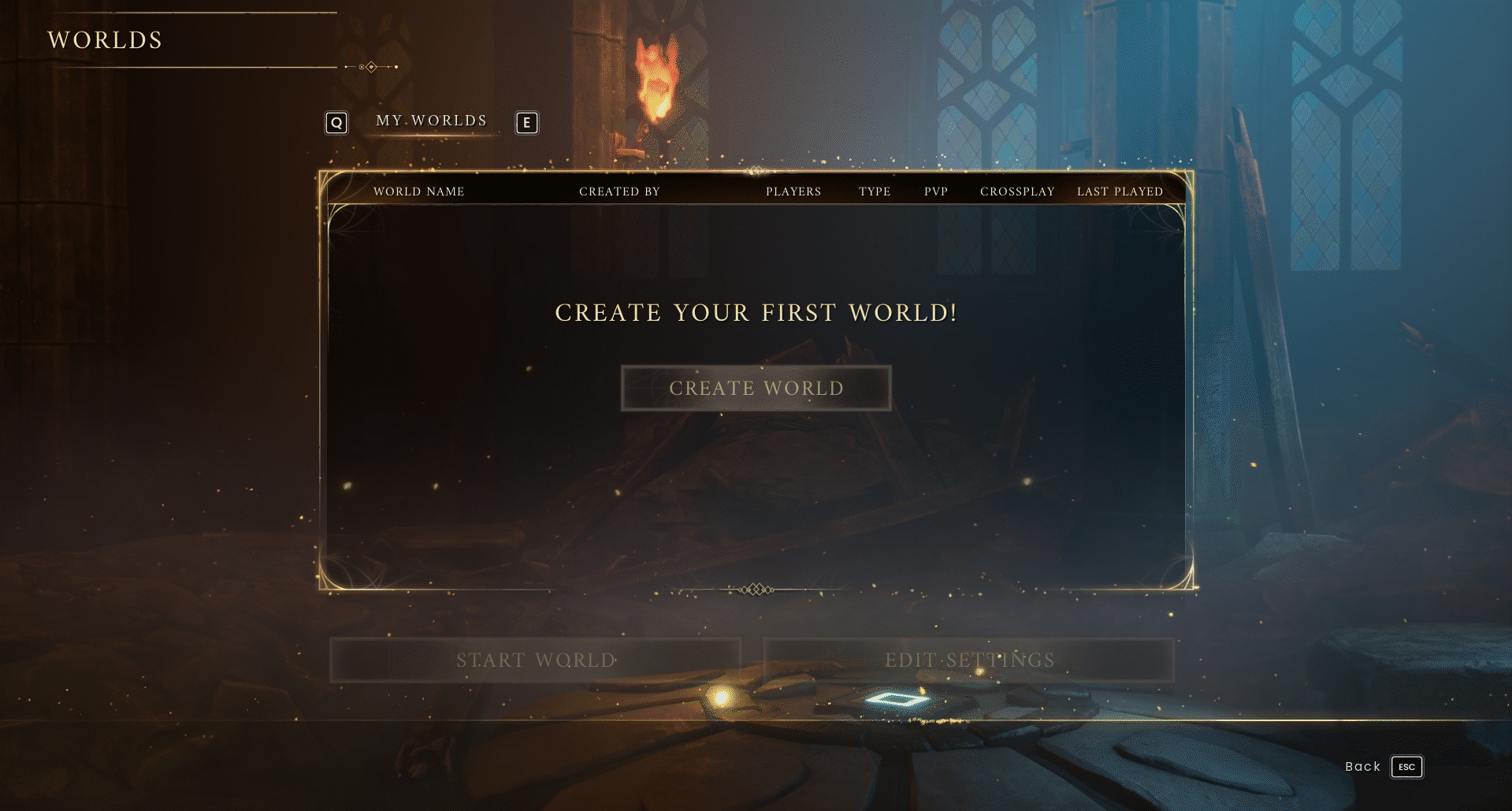
3. Select Custom
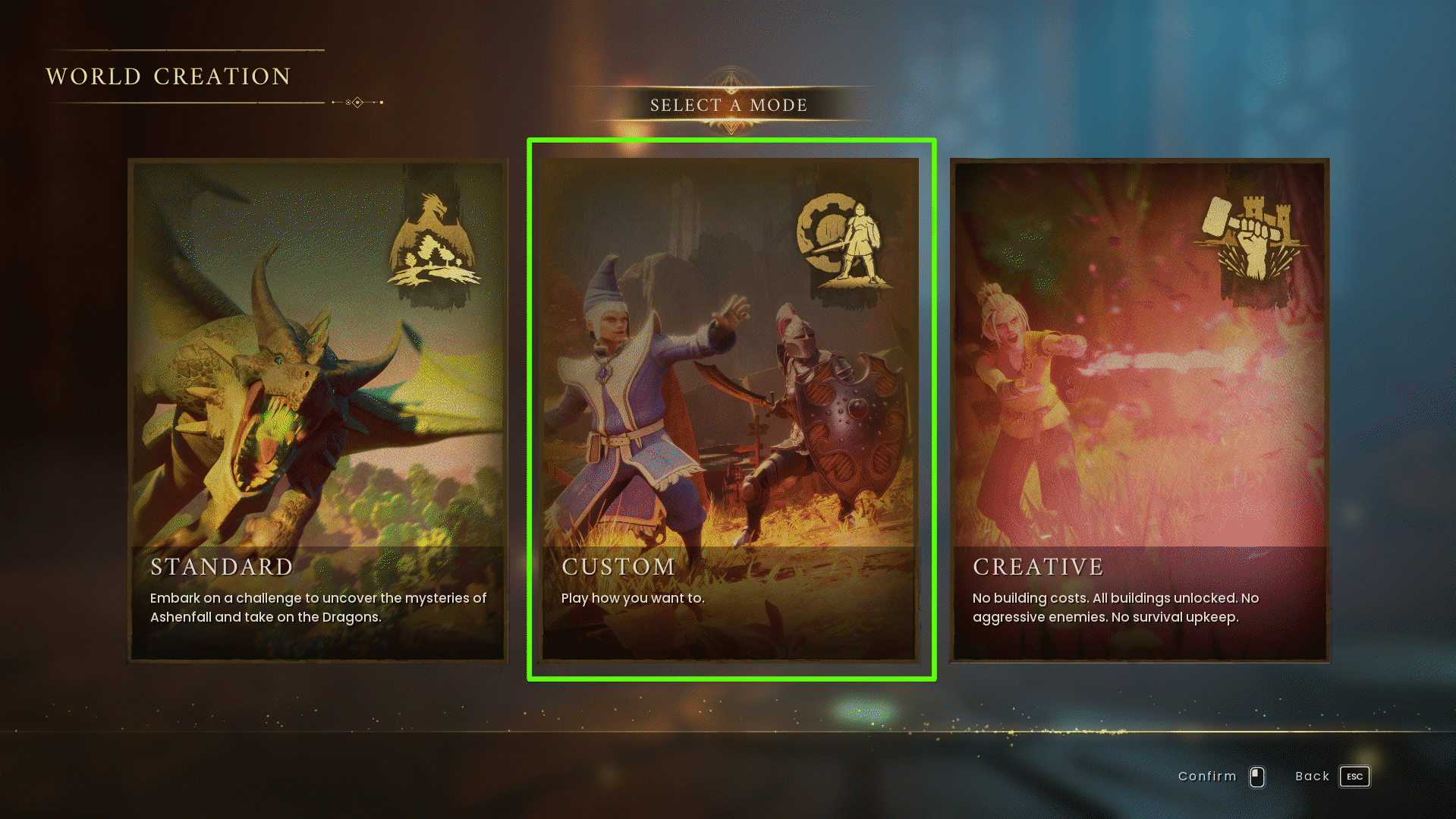
4. From here, you can give the server a name and set up the world settings to how you would like them.
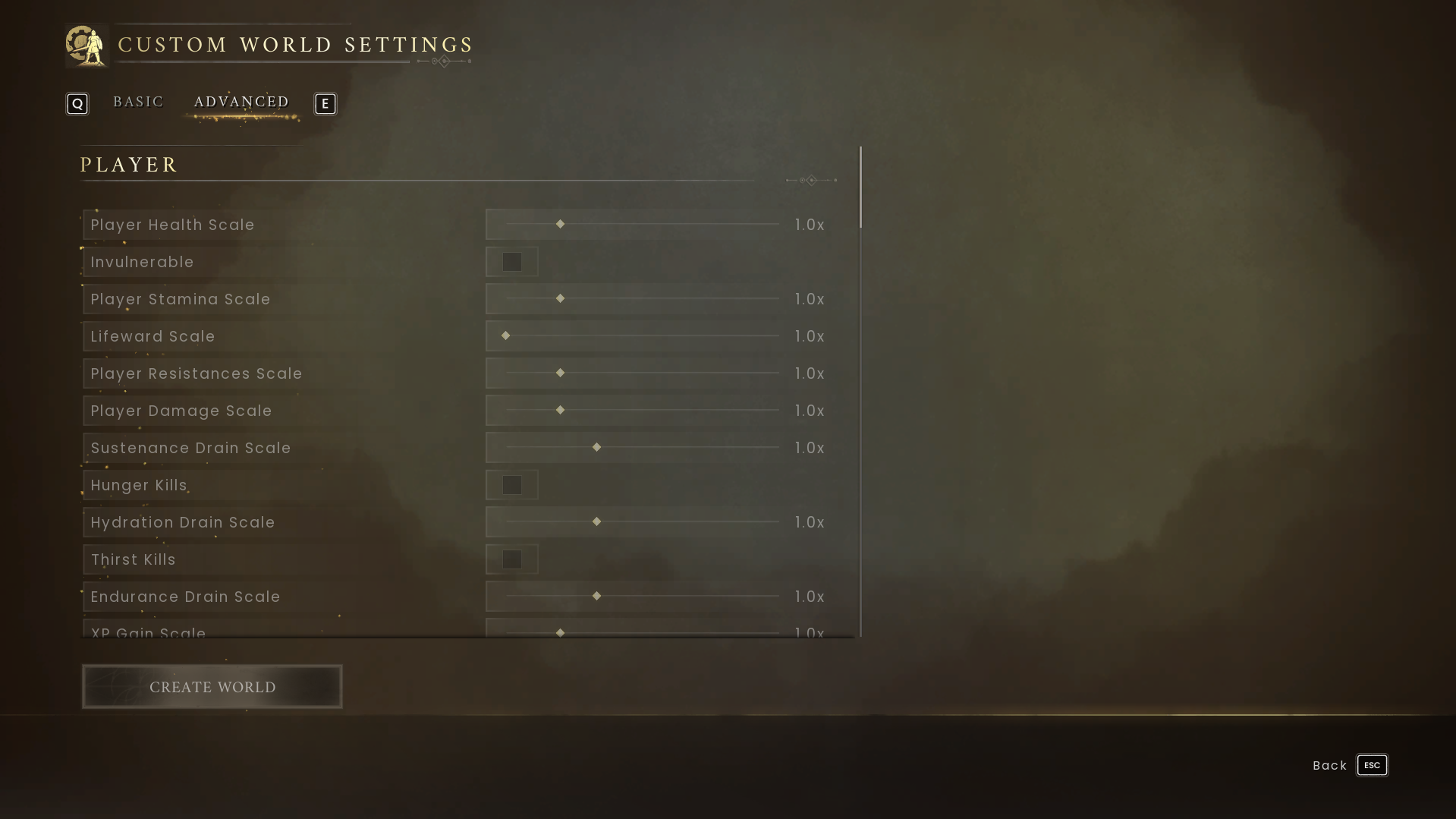
5. Once you're happy with your settings, press Create World
NOTE: If you don't already have a character for the Custom game mode, you will be prompted to make one
6. Enter the world once to generate the .sav file
¶ Step 2: Upload your world
1. Follow our guide here to upload your custom world to your indifferent broccoli server
¶ Step 3: Test!
Now you can log into the game and enjoy your fully customised world